Quality check
OSSBuy warehouse photos at the Guangdong shelf
Entry seven in detail. What the Guangdong warehouse checks, what it says it does not, and a way of reading the photos that catches the common problems in the five days you have.
Sign-in at the Guangdong shelf: count, colour, size, camera
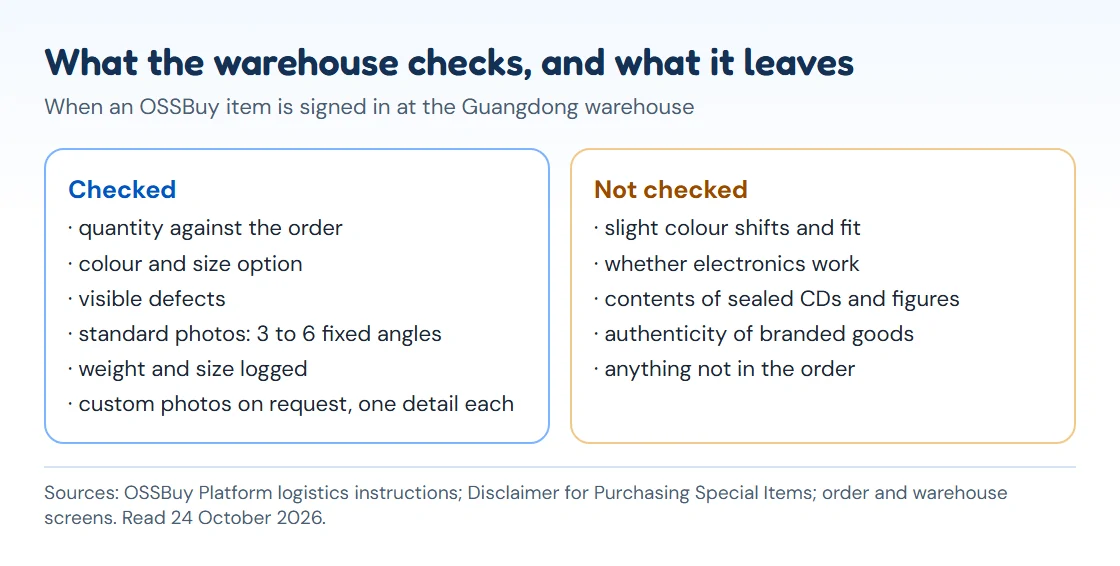
When a parcel is signed in, staff open it, check it against your order and photograph it. OSSBuy's logistics instructions spell out the inspection: quantity, colour, size and other order details are checked, the seller's outer courier box is thrown away, and the item is resealed in OSSBuy's own packaging and shelved. Fragile, oversized items and those whose box is part of the product keep their original packaging.
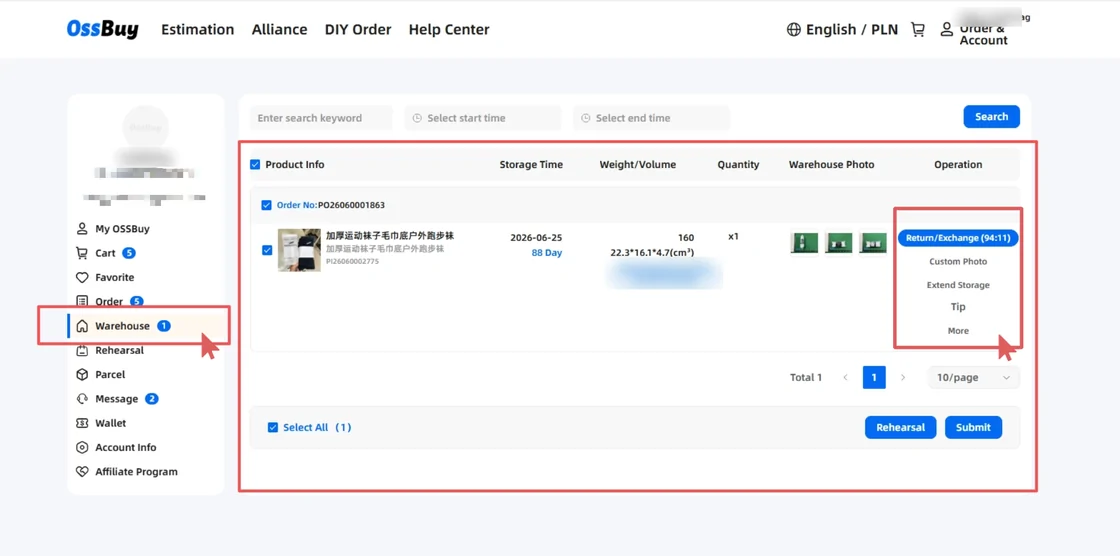
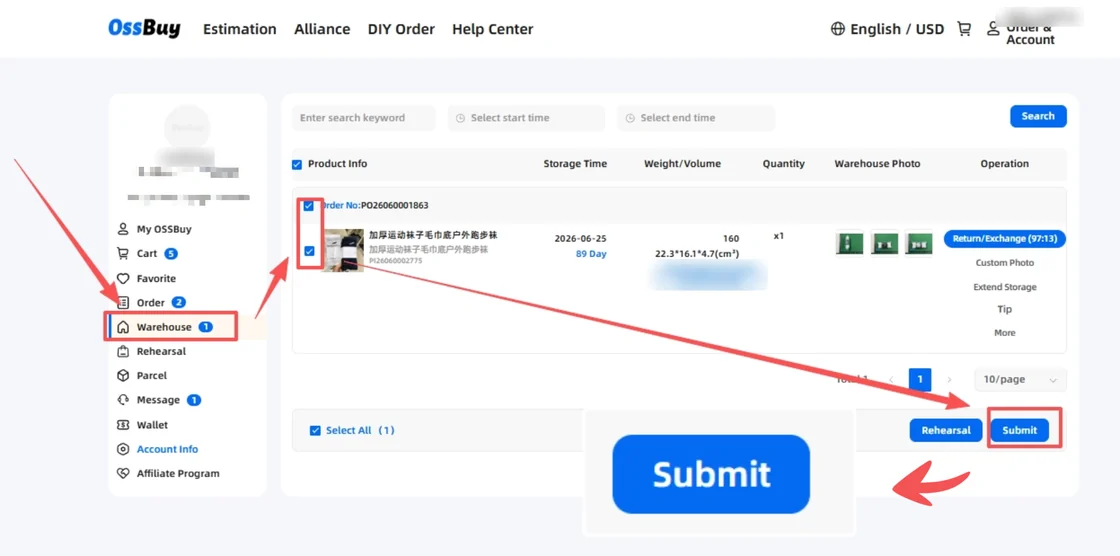
The order screens describe the standard photo set as three to six fixed-angle shots. The Warehouse list also records storage time, weight in grams and size in cubic centimetres. The official guide screenshot shows a pair of socks logged at 160 g and 22.3 by 16.1 by 4.7 cm, with 88 days of storage left.
Gaps the standard photo set leaves
- Slight colour differences and fit. The instructions say these are not part of the inspection.
- Whether electronics work. Electronics, digital devices and accessories are not checked for quality, model or accessories; only the outside is looked at.
- The inside of sealed collectables. CDs and figures stay in their plastic wrap, and only the outside is checked for damage.
- Authenticity. OSSBuy's special-items disclaimer says it cannot carry out professional checks of quality, authenticity or completeness for items such as electronics, tickets, cards and models.
Knowing the limits is half of reading the photos well. If a detail matters to you and is not in the standard set, ask for it.
A five-minute routine for each stored item
Reading the QC photos well takes about five minutes per item if you follow the same order every time.
- Open the listing beside the photos. Compare colour, print position and the option you chose, not the general look.
- Count everything. Two-piece sets, pouches and straps go missing more often than whole items.
- Look at the edges. Seams, hems, zip ends and print borders show workmanship better than the front view.
- Check the size label against the order. A label reading L on an order for M is a reason to use the return door.
- Write down the weight. Add the logged weights of everything you will ship together; it is the best freight estimate you will get before a rehearsal.
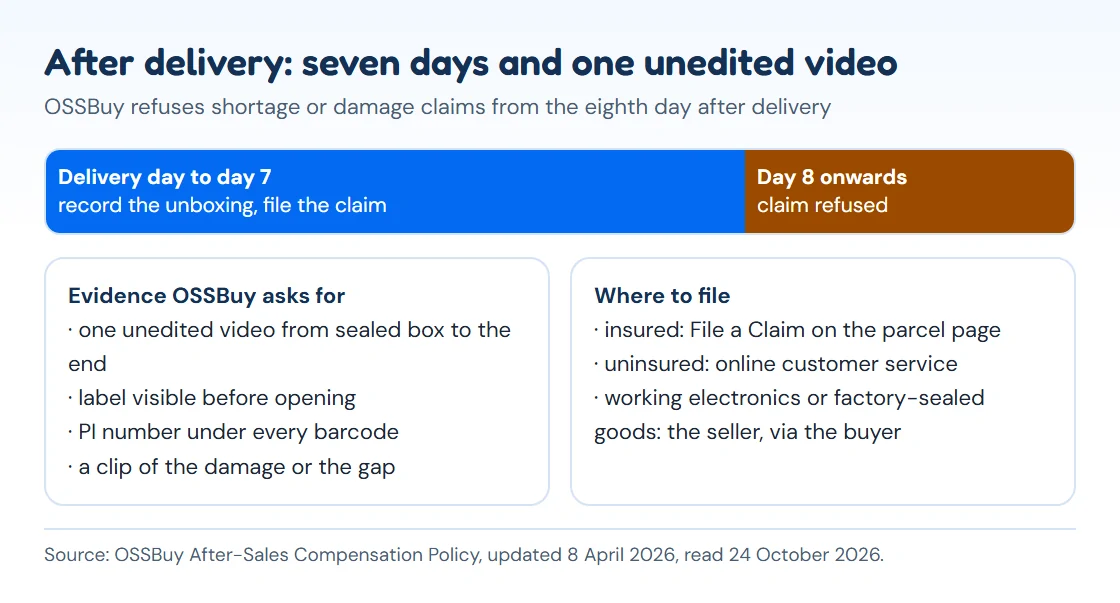
If something is wrong, say so through the order while the Return/Exchange countdown is still running. OSSBuy's buyer then checks with the seller and helps negotiate a fix.
Custom photos, and one photo per detail
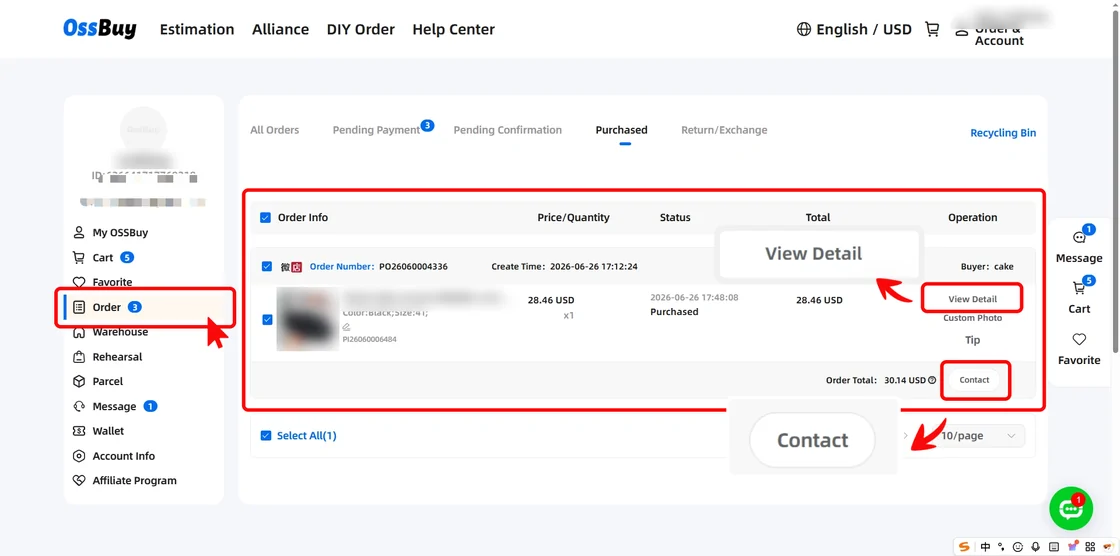
The Custom Photo option on a stored item is for anything the standard set misses: a tape measure across a chest, a close-up of a clasp, the inside of a collar. The request form is strict about scope. Each custom photo covers one detail only, so three details mean three photos. A number of custom photos are free and the rest carry a service fee; both figures appear in your account.
OSSBuy's holiday notices list "detailed photography" among the warehouse tasks that stop on public holidays, so a request made the day before a holiday may wait several days.
Spotting a fault before the return countdown ends
You have two routes. Inside the five-day door, sending an item back without a reason costs CNY 5 per order plus postage both ways, and the item has to be in a state the seller can sell again. If the problem is a defect or a wrong item, the shopping information page says the buyer verifies it with the seller and helps negotiate, and returns or exchanges caused by the seller are not charged the service fee.
Some things never qualify: made-to-order pieces, food, socks and underwear, used goods, anything you had the warehouse strip of tags or boxes, sealed goods that were opened, and whatever the seller rules out. Read returns and claims before you rely on the door.