Account setup
Before entry one: setting up an OSSBuy account
Ten minutes of setup decides which lines and payment options you see later. This is the checklist we would follow, with the fields as they appear on the OSSBuy register page.
Six boxes on the OSSBuy register page
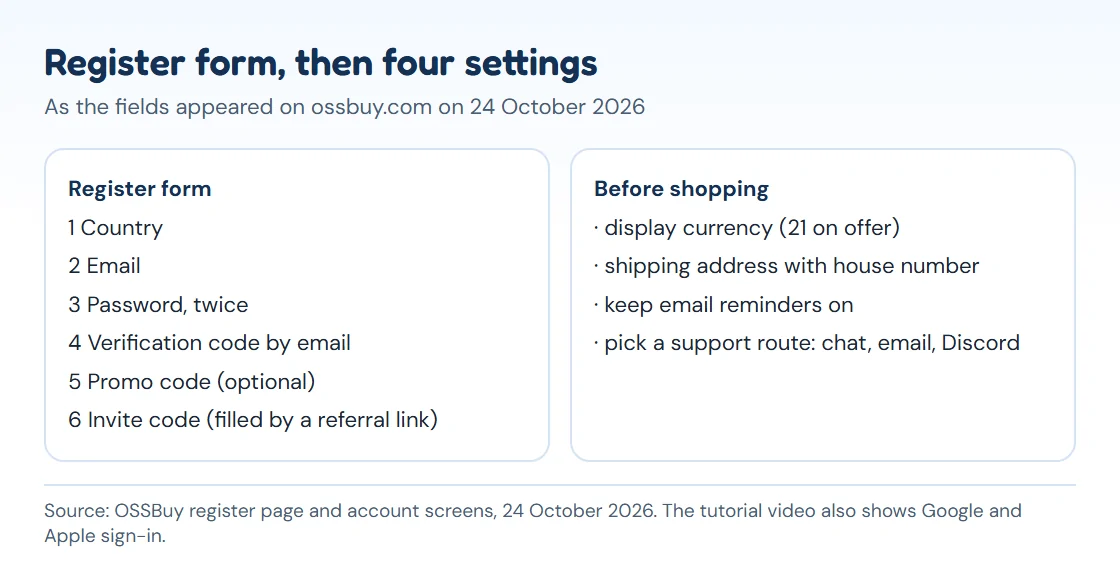
The OSSBuy register page (checked 24 October 2026) shows these fields in this order:
- Country: a drop-down at the top. Choose the country your parcels will go to.
- Email: the address that receives the verification code, storage-expiry reminders and the claim messages later.
- Password, then the same password again.
- Verification code: press Send Verification Code and copy it from your inbox.
- Promo code: optional, for event codes.
- Invite code: filled in for you when you arrive through a referral link. Ours is 2S7QKK6X and it is marked as a referral wherever we link to it.
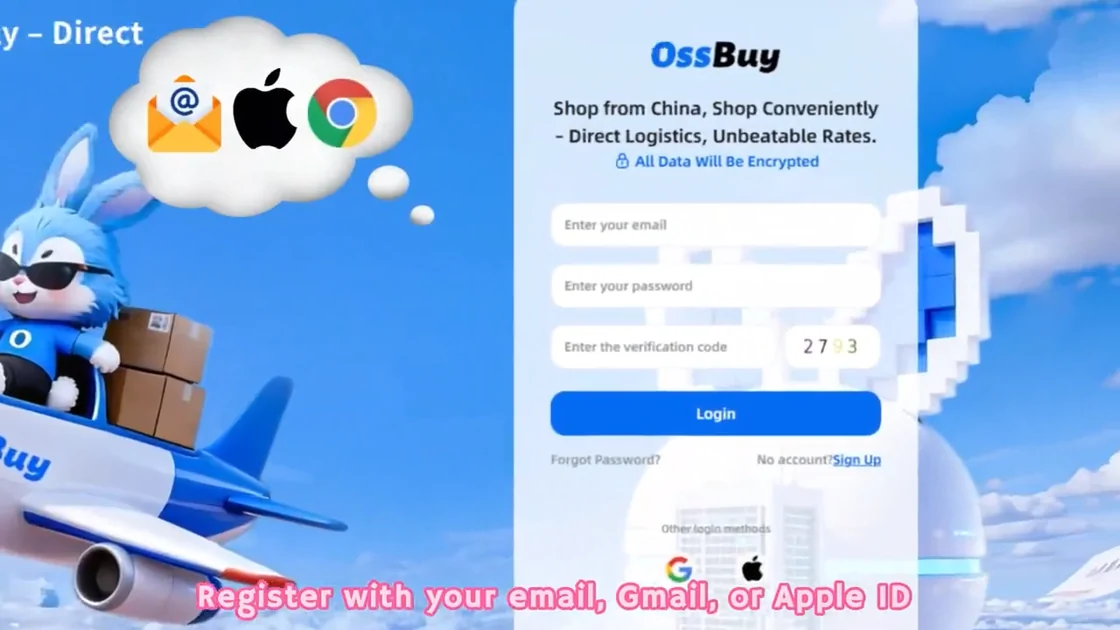
Gmail and Apple ID sign-in also appear in OSSBuy's tutorial. Whichever you use, keep that email address: storage reminders are sent there, and storage that runs out is not announced twice.
Four settings to make before shopping
- Display currency. The switch in the page header reads "English / USD" until you change it. OSSBuy's rate table held 21 currencies on 24 October 2026, from US, Canadian, Australian and New Zealand dollars to euro, pound, zloty, krone, krona, real, peso and several Asian currencies. Prices are set in yuan underneath; the display currency only changes what you read.
- Shipping address. Under Account Info, Shipping Address. The self-operated European lines state that the address must include the exact house number.
- Email reminders. Leave them switched on; the expiry warning for storage arrives by email.
- A support route you will actually check. OSSBuy lists 24-hour online chat, [email protected], a Discord server and the r/OSSBuy subreddit. The site also shows a Telegram button.
Top-ups, balance and why the balance matters
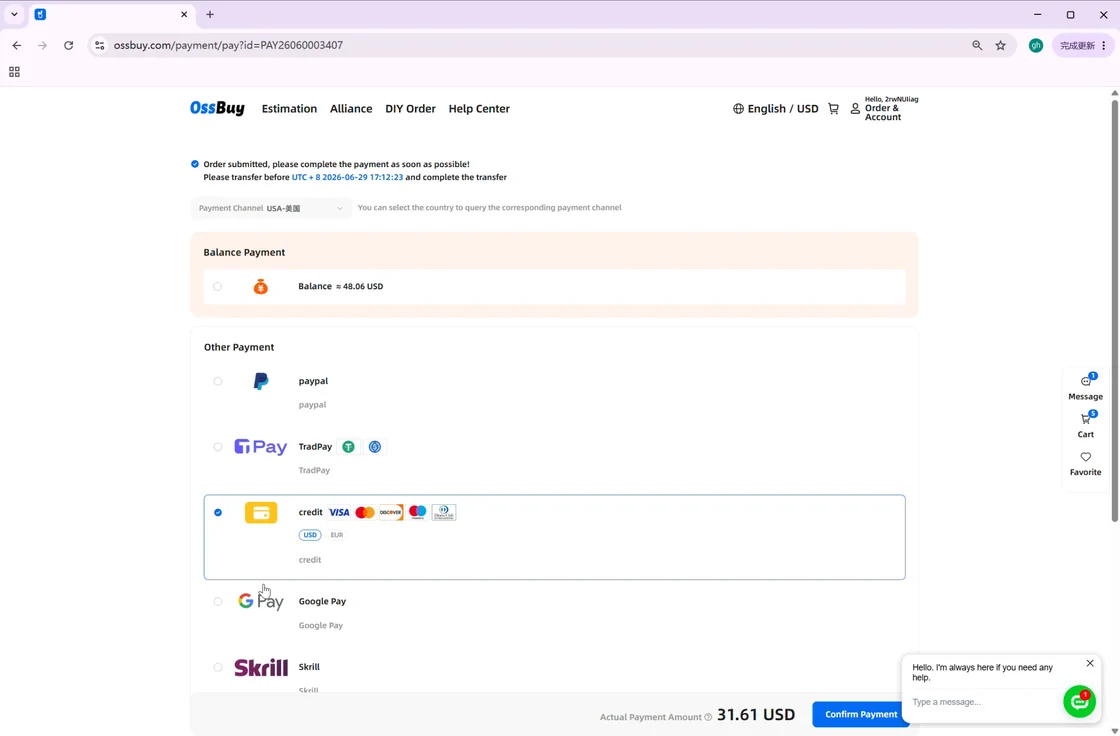
You can pay each order directly, or top up a balance first. The Terms of Use name the 10% technical service fee for recharges as well as for order and freight payments, so a top-up does not dodge it.
The balance matters for another reason. Freight paid at submission is an estimate; when the packed box weighs more, OSSBuy takes the difference from your balance, and a balance too small to absorb it simply goes below zero until you add funds. If the box weighs less, the difference goes back to the balance. Refunds that are smaller than a payment provider's own refund charge also land in the balance rather than on your card.
Sign-up slips that surface weeks later
- Signing up with an address you rarely open. The storage clock runs whether or not you read the reminder.
- Setting the wrong country. On 24 October 2026 Australia, Brazil and Switzerland got zero lines from the estimator at weights between 500 g and 5 kg. Check the Estimation page for your country before the first order, not after.
- Skipping the rate check. Compare OSSBuy's displayed rate with your bank's rate on the same day; the difference is part of what the parcel costs.
- Pasting a referral code you do not trust. Codes only matter for event rewards; you can register without one.